
How to Search Cases by Name
Douglas County District Court name searches start at one place. Use the official Kansas District Courts CaseSearch Portal. Accept the displayed terms first. Then pick the court or the Douglas location when offered. After that, choose the narrowest search type the situation allows. Person name, business name, nickname, and sounds-like options each behave a bit differently. The official instructions also warn that a business should be searched as a business.
- Choose Douglas County or the correct court location instead of searching all Kansas courts.
- Select Party Name, Business Name, Nickname, or another accurate search type.
- Enter the search term, then add a file-date range, case type, status, or judicial officer if needed.
- Complete the human check and submit. Reset clears the fields if the query was built incorrectly.
- Open the case-number link and read public details and the register in date order.
When the portal offers optional party filters, such as date-of-birth ranges or agency identifiers, use them carefully. Access rules still apply.
Douglas County CaseSearch Menu
The search-type menu goes well past a plain name box. Official Smart Search material lists Smart Search, attorney bar number, attorney name, business name, case cross-reference number, case number, citation number, judicial officer, nickname, and party name. The Search Type tells the system how to read the Search Term. Pick one and type a value meant for another. You often get no result at all.
| Field | Use | Status |
|---|---|---|
| Court or location | Narrow to Douglas County | Select when offered |
| Search Type | Defines the kind of term | Required |
| Search Term | Name, number, attorney, or judge term | Required |
| Case Type or Status | Reduces unrelated cases | Optional, dynamic |
| File Date From/To | Limits the filing period | Optional |
| Human check | Confirms an interactive search | Required when shown |
| Reset | Clears the query | Action |
Dropdown values can change because they load dynamically. Any fixed list of current case types would go stale.
Douglas County Location Narrows Names
A common name pulls results from courts all over the state. Select Douglas County first. Only add broader spellings after that. Filing dates, case type, status, and judicial officer can each help narrow the docket. Add them when the known facts support those limits. But an overly tight range can hide the wanted case just as easily as a broad query can bury it. The official Kansas District Court records overview explains what the state makes available remotely.
Douglas County keeps the case summary and the filed papers as separate things, so when the online docket shows the first but not the second, the courthouse is where the missing documents live.
How to Search by Case Number
For a Douglas County lookup, nothing beats a full case number. After the Kansas eCourt conversion, the format changed. It runs county abbreviation, year, case-type code, and a six-digit sequence. A safe illustration is DG-2024-CR-000123. Before April 7, 2023, the official guide shows forms like 2023-CR-000001 with no county prefix.
Choose Case Number as the search type. Enter the identifier you have. If an old number fails, never invent a DG prefix. Search with the supported parts instead, or ask the Clerk of the District Court. A number printed on a city citation may belong to Lawrence, Eudora, or Baldwin City Municipal Court. It may not be a District Court number at all.
Douglas County Filters in Plain Terms
Filters should answer a real ambiguity, not serve as guesses. When a basic search returns too much, add them one at a time.
- Case type
- The court’s category for the matter, with live options loaded by the portal.
- Case status
- A current procedural label, not a complete account of the outcome.
- File dates
- The range in which the case began, not the date of every hearing.
- Judicial officer
- The assigned judge filter when the current value is known.
- Register of actions
- The chronological list of filings, settings, orders, and other case events.
If the query comes back empty, strip out the uncertain filters. A failed CAPTCHA or a blank required term stops a search too.
What a Case Search Shows
A public result is a structured case summary. It can identify the court, number, type, status, filing date, judge, parties, attorneys, and public register events. Coverage varies by case category and conversion history.
| Case header | Number, type, location, filing date, status, division, and judge. |
|---|---|
| Parties and roles | Public names and roles, subject to suppression in protected matters. |
| Events | Filed papers, service, settings, orders, pleas, judgments, payments, and later entries as available. |
| Charges or claims | Public count, statute, claim, and disposition details when released. |
| Documents | Indicators or images when the rules and conversion permit remote access. |
| Hearings | Dates and settings, which should be confirmed in the county calendar. |
Treat "filed," "scheduled," "continued," "held," and "disposed" as distinct events, not synonyms. Read the register in order and confirm the latest entry.
Douglas County Terminal Fallback
A case that shows up with no image is not sealed just because of that. Filings older than the conversion window never got scanned. Some images can only be opened at the courthouse. And certain case categories allow public docket information. The documents in those categories stay off limits to remote viewers. For the full record, the county provides a Public Access Computer in the basement lobby of the Clerk's office at the JLE. According to the county, it reaches criminal records back to 1989. Civil records go back to 1992.
That terminal is also where the assigned image comes from, per the public access computer source page maintained by the county.
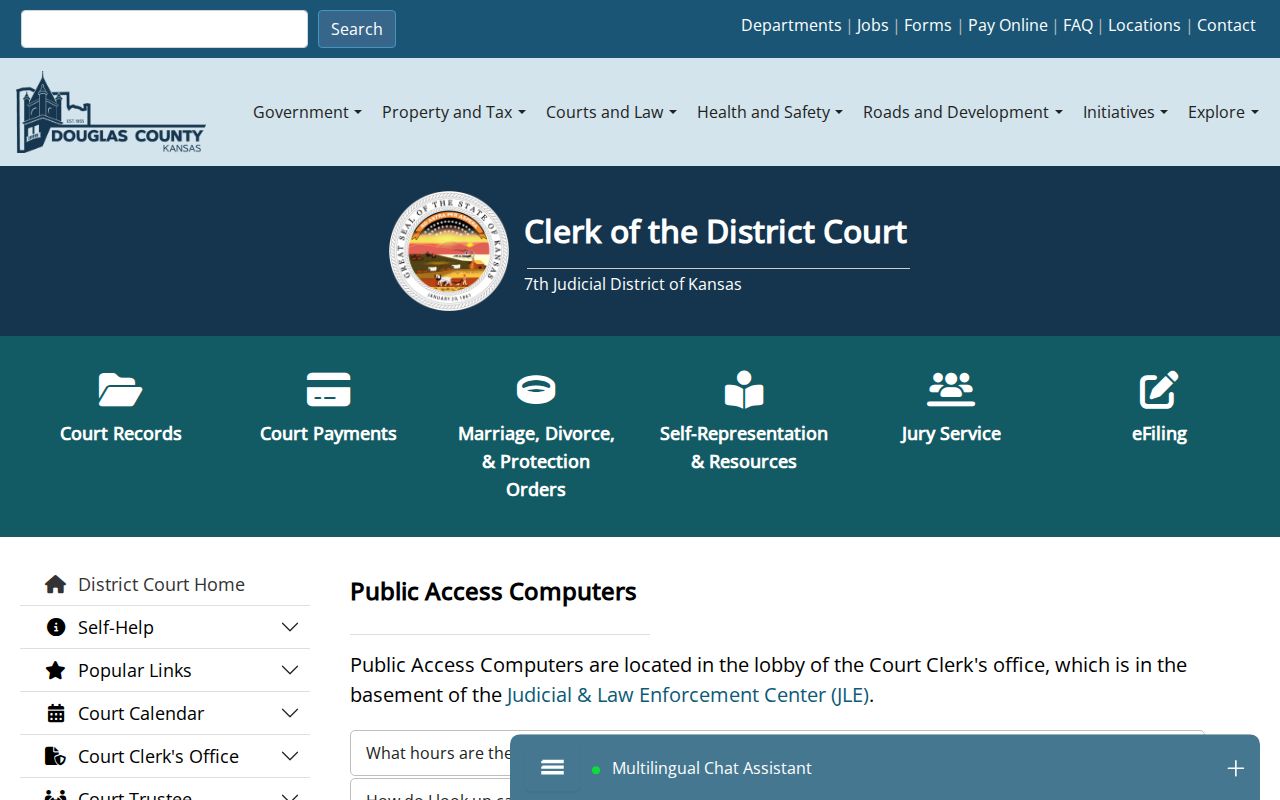
At that terminal you may reach filings, court dates, charges, payments, and older public records. None of it is available from home.
County vs Statewide Case Search
Kansas CaseSearch works statewide. Douglas County still supplies the local settings, terminal access, and records requests, so match the tool to the question.
| Route | Answers | Does not replace |
|---|---|---|
| CaseSearch | Public District Court details and register events | Certified file |
| Douglas hearings | Today’s or future settings | Complete register |
| JLE terminal | Older or courthouse-only public material | Clerk certification |
| Records request | Specific copies or certified records | Legal research |
| Municipal court | City ordinance or city traffic matter | State District Court docket |
Once you locate the case, the Douglas County court record search walks through copy and certification channels.
CaseSearch Is Not E-Filing
The Kansas Courts eFiling Portal is for authorized filers. Its username, password, account request, and recovery controls do not make it an anonymous public docket. Members of the public read case information through CaseSearch, the courthouse terminal, or the clerk.
The assigned eFiling source image shows that separate login.
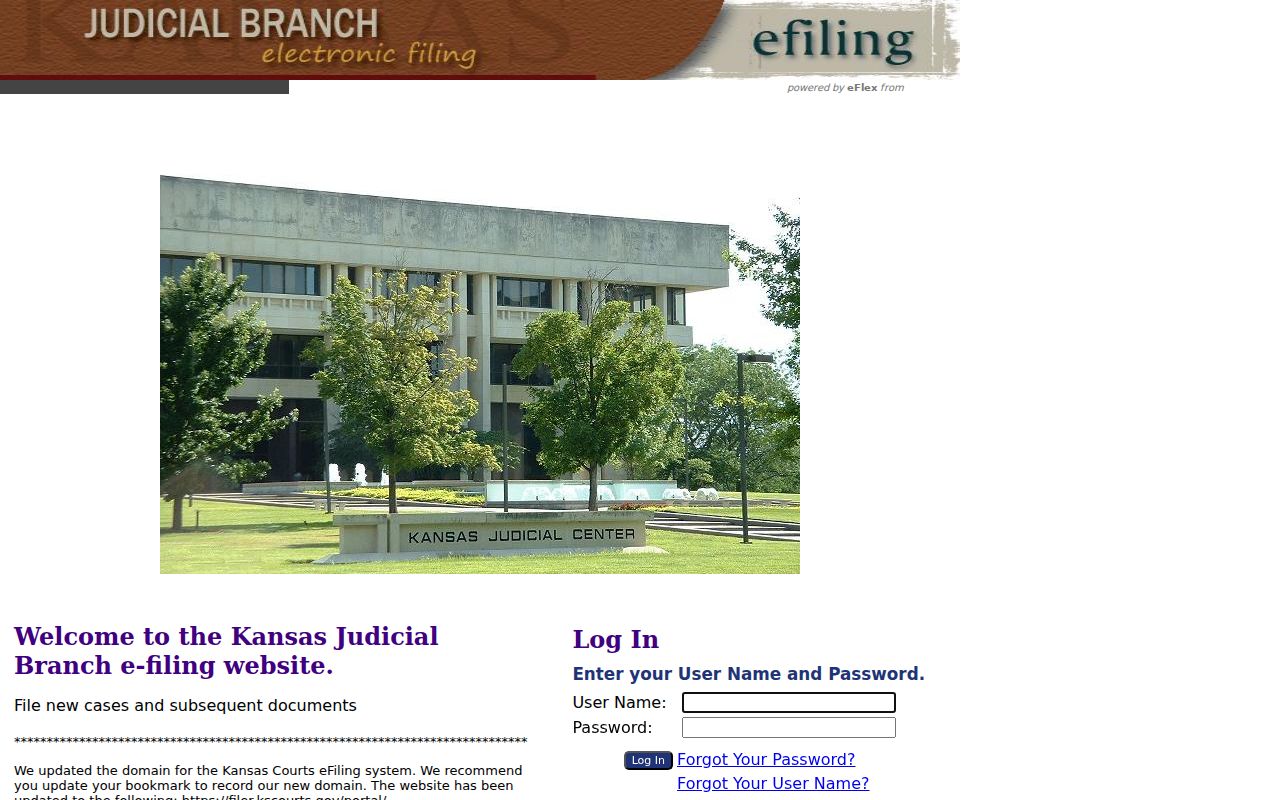
That separation keeps a public searcher from mistaking a filer account page for the missing search screen.
Restricted Cases and Access Rules
Kansas statutes and court rules can exclude or limit adoption, child-in-need-of-care, juvenile, grand-jury, warrant, and other sensitive categories. Knowing a name or number does not itself grant public access. Sealed and expunged material follows the controlling order and law.
Public access has levels. Kansas Supreme Court Rule 22 distinguishes public portal and courthouse-terminal access and limits bulk distribution.
Rule 106B governs public access to district electronic case records and the register of actions.
Some Douglas County court records simply are not online. When a public document stays off the remote docket, use the public terminal first. Then ask the clerk for the exact record. Confidential material is different. The clerk requires the documented judicial-review route for those requests, and even then release is not guaranteed.
Older public filings are easier with preparation. Bring the case number and a precise description of the document to the terminal or the clerk counter. Note the two schedules. The clerk counter keeps Monday through Friday hours of 8:00 a.m. to noon and 1:00 to 4:30 p.m. The terminal runs weekdays from 8:00 a.m. to 5:00 p.m. A late-day terminal visit, in other words, does not open the full records counter.